



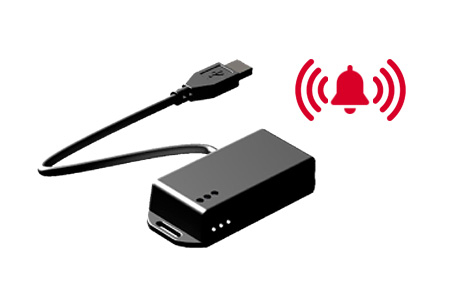
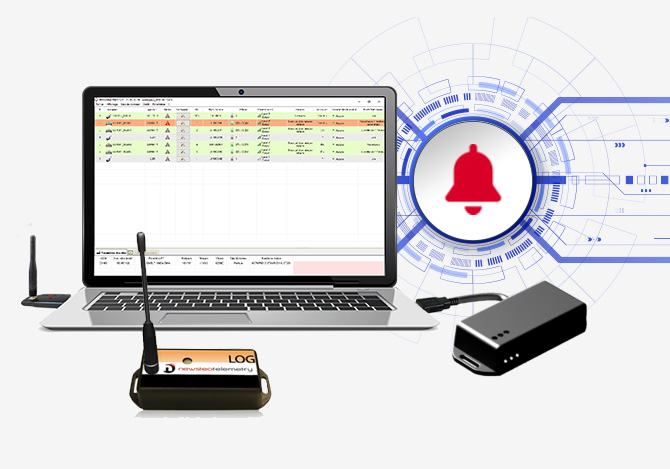
The advantages of the PC alarm relay
- CONNECTING TO AN EXTERNAL SYSTEM
Beacon, siren, telephone switchboard
- SIMPLE AND QUICK
Easy and quick installation.
- NO BATTERY
Power supply from the PC
How it works ?
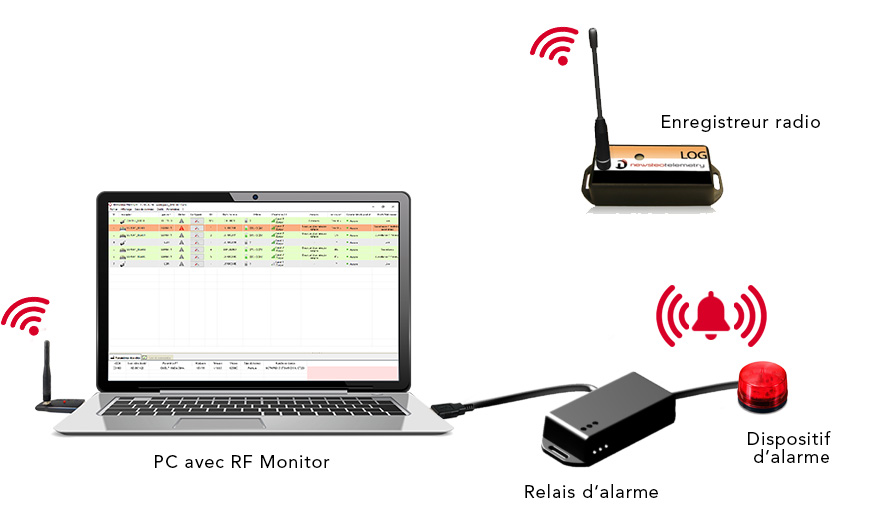
- 1 Connect the Relay to a USB port of the PC serving as a supervision station (PC on which the RF Monitor software is installed and on which the RF-to-USB key is connected)
- 2 Connect the external alarm device to the Relay
- 3 In the RF Monitor software, configure the type of product alert that will be transferred to the Relays
Technical characteristics of USB warning relays
 PFPN-RLA21-001 RLA21 |
PFPN-RLB21-001 RLB21 |
|
|---|---|---|
| Operating mode | PFPN-RLA21-001 : active safety * / PFPN-RLB21-001 : bistable | |
| Operating temperature | -20°C … +70°C | |
| Power supply | Supplied by the USB connection | |
| Maximum tension of reception on the connectors | 240 V | |
| Maximum current of reception on connectors | 5A | |
| Output | 1 relay with 3 poles : 1 Normally-open (NO), 1 Normally-closed (NC) and 1 Common. | |
| IP Level | IP20 | |
* The active safety model switches the common to the alert position automatically in the event of a component failure or a link cut
THE SOFTWARE
your monitoring dashboard
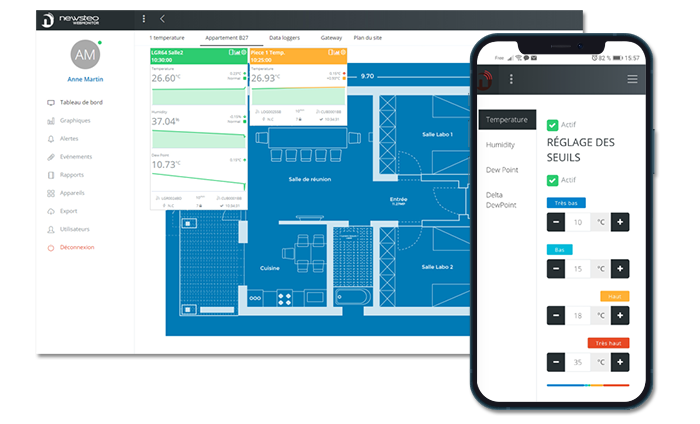
Webmonitor
The monitoring web app
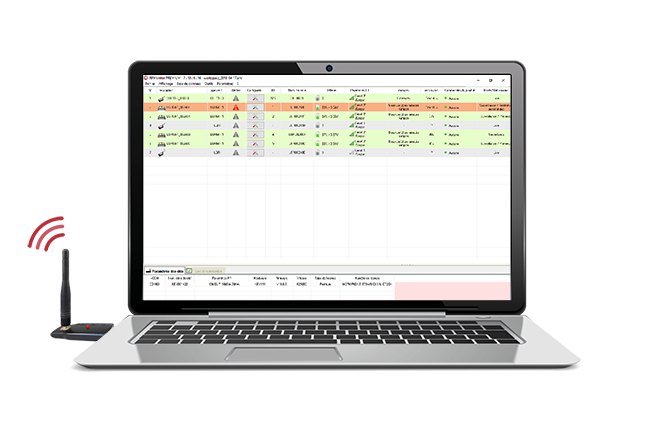
RF Monitor
PC monitoring software
Newsteo also offers the RF Monitor software, for management on a PC, locally, of measurements and recorders.
 Newsteo general catalog
Quick quote request
"*" indicates required fields
Can we help you?
Our team is at your service from Monday to Friday from 9:00 a.m. to 6:00 p.m.
+33 (0)4 84 83 05 44